Blog
Notes from building dev tools, working with WordPress, and shipping side projects.
Honest write-ups on what worked, what didn't, and the bits I had to look up twice.
14 posts
wordpressJRJeremiah Ruanes
Building a WordPress Plugin Settings Page the Modern Way
Replace the old PHP form with a REST-backed settings page using register_setting(), @wordpress/components, apiFetch, and native admin notices.
9 min read
colorJRJeremiah Ruanes
OKLCH in CSS: Why Your Color Palette Should Stop Using HEX
HEX is fine for storage, but it is a poor authoring format. Learn how OKLCH fixes HSL’s lightness problems and makes palettes easier to tune.
8 min read
cssJRJeremiah Ruanes
Replace Floating UI with CSS Anchor Positioning in 3 Patterns
Ship tethered tooltips, dropdowns, and context menus with native CSS Anchor Positioning instead of scroll listeners, computePosition(), and edge math.
9 min read
cssJRJeremiah Ruanes
CSS Scroll-Driven Animations: 4 Patterns That Replace JavaScript
Drop Intersection Observer and scroll listeners for four practical CSS scroll animations: progress bars, reveals, sticky headers, and parallax.
9 min read
wordpressJRJeremiah Ruanes
WordPress 7.0 AI Client: How Plugin Developers Should Migrate
Replace custom AI plumbing with WordPress 7.0’s core AI client, then add feature checks, access control, and REST endpoints the right way.
10 min read
codeJRJeremiah Ruanes
HTTP Status Codes Developers Actually Get Wrong
Fix the HTTP status codes that cause real bugs: 401 vs 403, redirect method changes, 429 retries, 200-for-errors, and 400 vs 422.
12 min read
cssJRJeremiah Ruanes
How to Build CSS Gradients That Don't Look Like 2014
Six production-ready CSS gradient patterns with copy-paste code: OKLCH interpolation, off-screen glows, hard stops, layered blends, text, and borders.
10 min read
colorJRJeremiah Ruanes
WCAG Contrast Ratios Explained: 4.5:1 Is Not the Whole Story
A practical WCAG contrast ratio reference covering all five thresholds, common false passes, and the edge cases designers often miss.
12 min read
wordpressJRJeremiah Ruanes
wp-config.php: 12 Essential Settings for WordPress Developers
Unlock the full potential of WordPress with these 12 wp-config.php settings every developer should master for optimal site performance and security.
10 min read
wordpressJRJeremiah Ruanes
Building a Custom Gutenberg Block with the REST API
Explore how to build custom WordPress blocks using the latest REST API features, enhancing your development skills and site functionality.
10 min read
cssJRJeremiah Ruanes
Mastering CSS Container Queries for Responsive Design
Learn how CSS container queries can revolutionize responsive design, allowing components to adapt to their container sizes rather than the viewport.
9 min read
cssJRJeremiah Ruanes
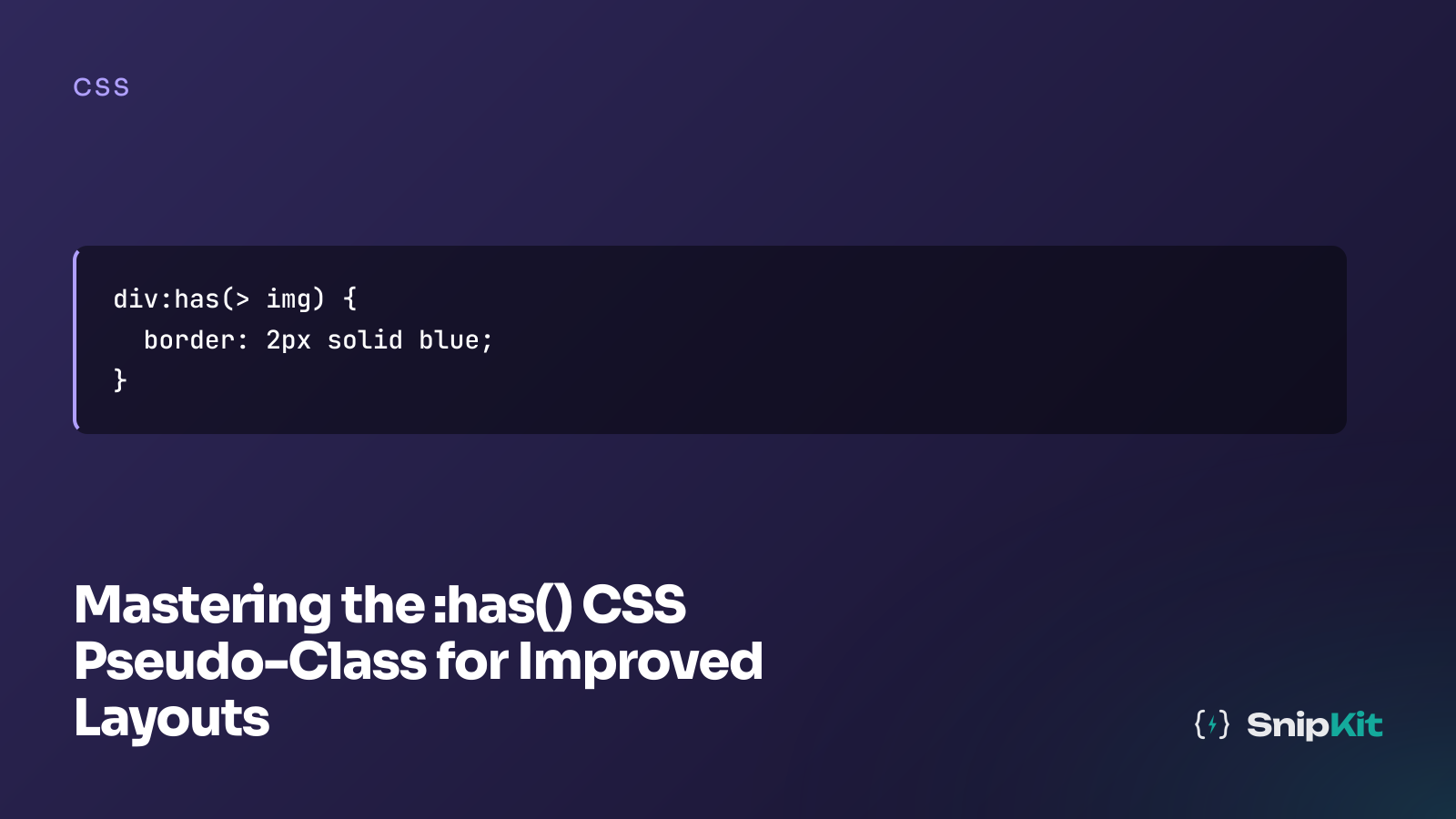
Mastering the :has() CSS Pseudo-Class for Improved Layouts
Explore the powerful :has() CSS pseudo-class to create dynamic, responsive layouts effortlessly, enhancing your web design capabilities.
8 min read
cssJRJeremiah Ruanes
Implementing Dark Mode and Light Mode with CSS
Explore how to implement dark and light modes in web design using CSS. Learn the benefits, challenges, and practical examples to enhance user experience.
10 min read
layoutJRJeremiah Ruanes
Flexbox vs Grid: Choosing the Right Layout Tool in 2026
Explore when to use Flexbox or Grid in 2026. Learn how to choose the right CSS layout tool for your web development needs with practical examples.
11 min read